

First Impressions and Workflow
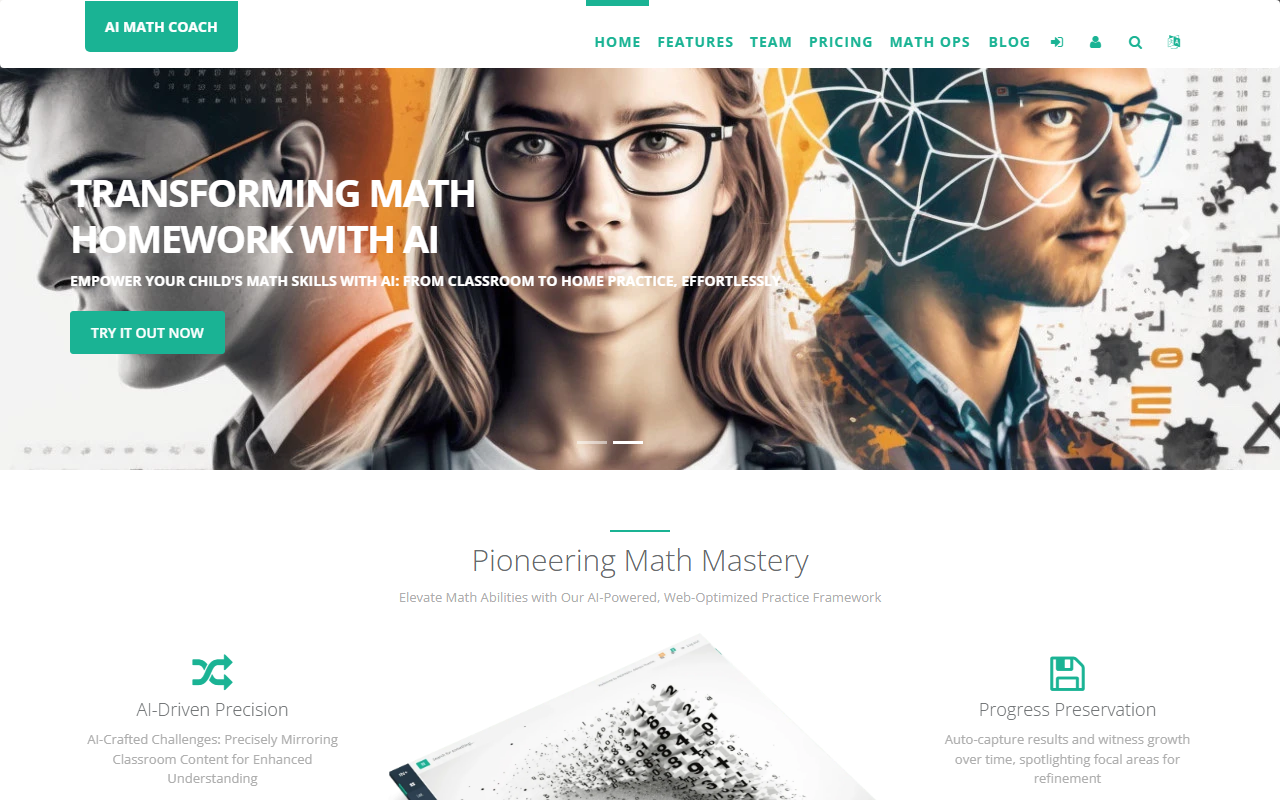
Upon visiting AI Math Coach, the landing page immediately emphasizes a clear value proposition: "Create Custom Math Worksheets in Seconds: Perfectly Aligned with Classroom Learning." The design is clean and family-oriented, with a simple call-to-action for a free trial. The onboarding flow is remarkably straightforward. As a parent, you can either upload a photo of a classroom math problem or type out the instructions manually. I tested the free tier by snapping a picture of a 3rd-grade multiplication worksheet from my child's backpack, and within seconds, the AI generated a fresh set of similar problems with different numbers. The interface is responsive and works well on both desktop and mobile browsers. The dashboard shows your history of created worksheets, progress tracking, and a simple print button. The entire experience feels less like a complex learning platform and more like a utility tool designed for busy parents.
Core Features and Technology
AI Math Coach leverages AI to understand the structure and difficulty of a math problem—whether it's arithmetic, fractions, or word problems—and then generates new variants that mirror the classroom style. This is a fundamentally different approach compared to generic math apps like Khan Academy or Prodigy, which follow a fixed curriculum. Here, the parent decides what the child practices, based on what was taught that day. The AI-curated customization ensures each session offers fresh content while remaining contextually aligned. Other notable features include an auto-save progress tracker (no manual grading required) and the ability to print exercises for offline practice. The platform is entirely web-based, requiring no app download, and works on any device. The underlying AI model is not explicitly named, but the output quality I observed was impressive—it correctly mirrored the layout and problem type of my uploaded image, including visual elements like arrays and bar models.
Pricing and Market Positioning
Pricing is not publicly listed on the website, which is a notable omission. The site offers a free trial (likely a limited number of worksheet generations), and the testimonials from over 800 early-bird users suggest a growing but still niche user base. Compared to competitors like K5 Learning or Math-Aids.com (which offer static worksheet generators), AI Math Coach’s key differentiator is its ability to adapt to specific classroom content rather than offering generic templates. It is best suited for parents of elementary and middle school students (K-8) who want to reinforce what is taught in school without spending hours searching for aligned practice problems. Teachers might also find it useful for creating differentiated worksheets, but the primary target audience is clearly parents. If you are a tutor or homeschooling parent, this tool could also save significant prep time.
Strengths, Limitations, and Final Verdict
The genuine strengths of AI Math Coach include its speed and accuracy in replicating classroom problem styles, its device-agnostic access, and the ability to print worksheets—a feature that reduces screen time. The progress tracking, while basic, is a welcome addition. However, there are real limitations. The tool currently focuses only on math, and there is no indication of support for other subjects. The lack of transparent pricing is frustrating; users must sign up for a free trial without knowing future costs. Additionally, the AI’s ability to handle complex multi-step word problems or geometry images is limited by the quality of the uploaded photo—blurry images can produce less accurate results. For parents whose children need practice across multiple subjects (e.g., reading comprehension), this tool alone won’t suffice. My recommendation: Try the free trial enthusiastically if you have a child struggling with math or you simply want to eliminate worksheet-hunting stress. It fills a clear niche that no other tool addresses as directly. But remain cautious about committing until pricing is fully disclosed. Visit AI Math Coach at https://aimathcoach.com/ to explore it yourself.


Commentaires