

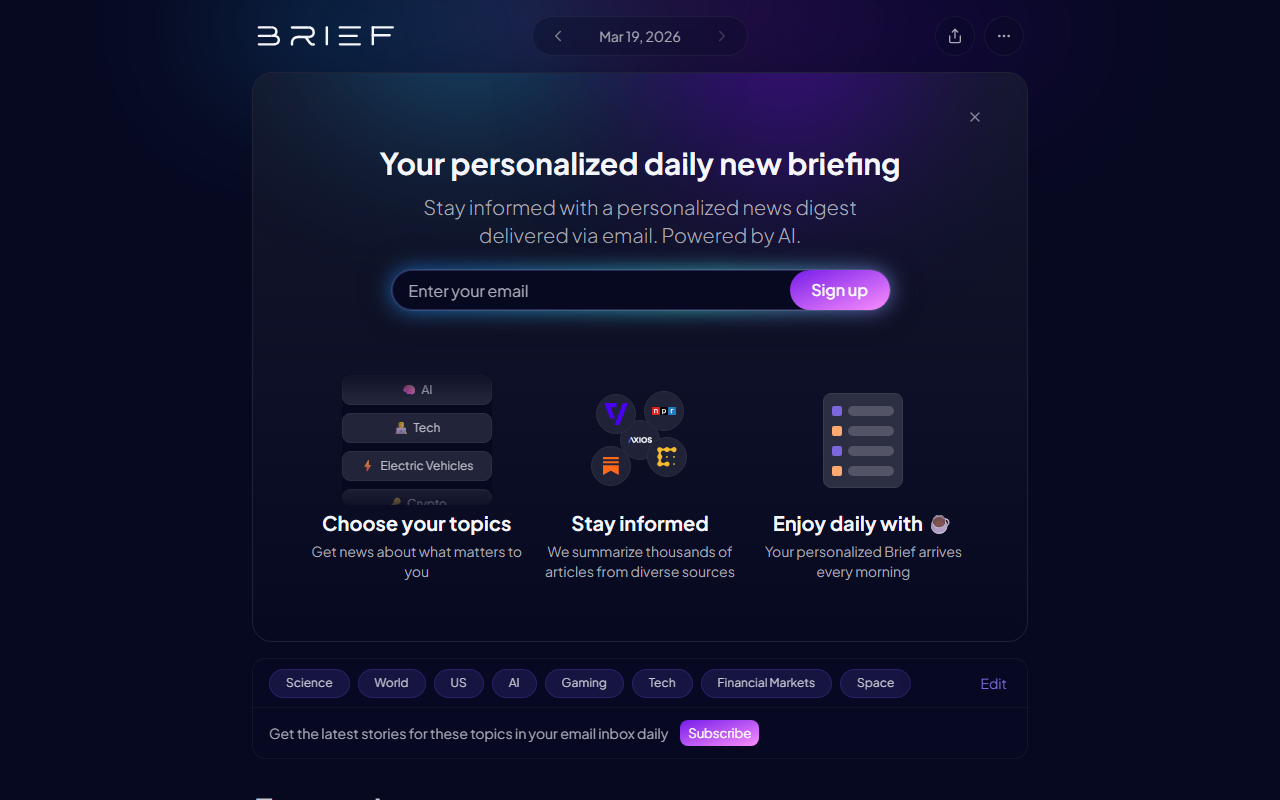
First Impressions: A Clean, Customizable News Hub
Upon visiting Brief.news, I was immediately struck by the minimalist, card-based dashboard. The landing page presents a Top Stories section — a curated feed of the most important news across tech, world, science, gaming, and more. Below that, a row of toggle-able topic icons lets you drill down into sub-niches like “Bitcoin (maxi)”, “Gene therapy”, or “Overwatch”. The onboarding asks you to select your interests from a scrollable grid — I chose AI, Crypto, and Space. Within seconds, the feed updated to show only relevant articles, pulling from sources like Ars Technica, Time, and Wccftech.
When testing the free tier — which appears to be the only option publicly available — I clicked on a story about GitHub’s Copilot pricing change. The article included a concise summary, a source link, and related coverage from 11 other outlets. The AI doesn’t rewrite the news; it aggregates and lets you scan multiple angles quickly. This is not an AI writing tool, but an AI reading assistant that saves time by filtering noise.
How Brief Works: AI Curation Meets User Control
Brief uses natural language processing to scan thousands of articles daily, then ranks them by relevance to your selected topics. The technology isn’t explicitly stated, but the results suggest a combination of keyword matching and popularity signals. You can edit your interests anytime — I added “M&A” and immediately saw stories about Semrush and Adobe acquisitions. The UI also includes a “Close” button on each topic, letting you remove unwanted subjects.
The tool solves a clear problem: information overload. Instead of manually browsing multiple RSS feeds or social media, Brief delivers a single, personalized stream. It supports both broad categories (World, Tech) and hyper-specific tags (e.g., “Dota 2” or “NCAA Basketball”). There’s no keyboard shortcut or bookmarking feature visible, but the endless scroll works smoothly on desktop and mobile.
Pricing is not publicly listed on the website. The interface shows no upgrade prompts or premium features — it may be entirely free for now. No API or integrations are mentioned, which limits its use for power users who want to feed the data into other tools.
Strengths: Depth of Customization and Real-Time Updates
Brief’s biggest strength is its granular topic selection. With over 50 sub-topics spanning seven main categories, you can build a feed that rivals the specificity of Feedly Pro — but without the cost. The real-time updates are impressive: I saw a story about a Ukraine-Israel grain dispute that had been published only 15 minutes earlier. The source diversity is also a plus; each article includes links to the original publication plus related coverage from other outlets, helping you cross-verify.
For news junkies and professionals who need to stay current in multiple fields, Brief is a lightweight alternative to Google News or Apple News. It avoids distracting videos or ads — the design is pure text and links.
Limitations and Who Should Look Elsewhere
However, Brief has notable gaps. There’s no AI-generated summarization or opinion — you get headlines and a one-line blurb, but no deeper analysis. If you want an AI to read articles and distill key insights, tools like Elephas or Kagi (with summarization) might be better. The lack of any premium tier or export features also means you can’t save articles offline or organize them into folders. I also couldn’t find a search function — the only way to find content is through the predefined topics.
This tool is best suited for casual readers who want a quick morning scan of their interests. It is not for researchers needing deep archival or advanced filtering, nor for teams wanting to share feeds.
In summary, Brief is a solid, no-frills news aggregator that leverages AI to reduce noise. It’s not revolutionary, but it’s refreshingly simple and free. Try it if you’re tired of social media clutter and want a personalized news diet.
Visit Brief.news at https://brief.news to explore it yourself.


Commentaires