

First Impressions and Onboarding
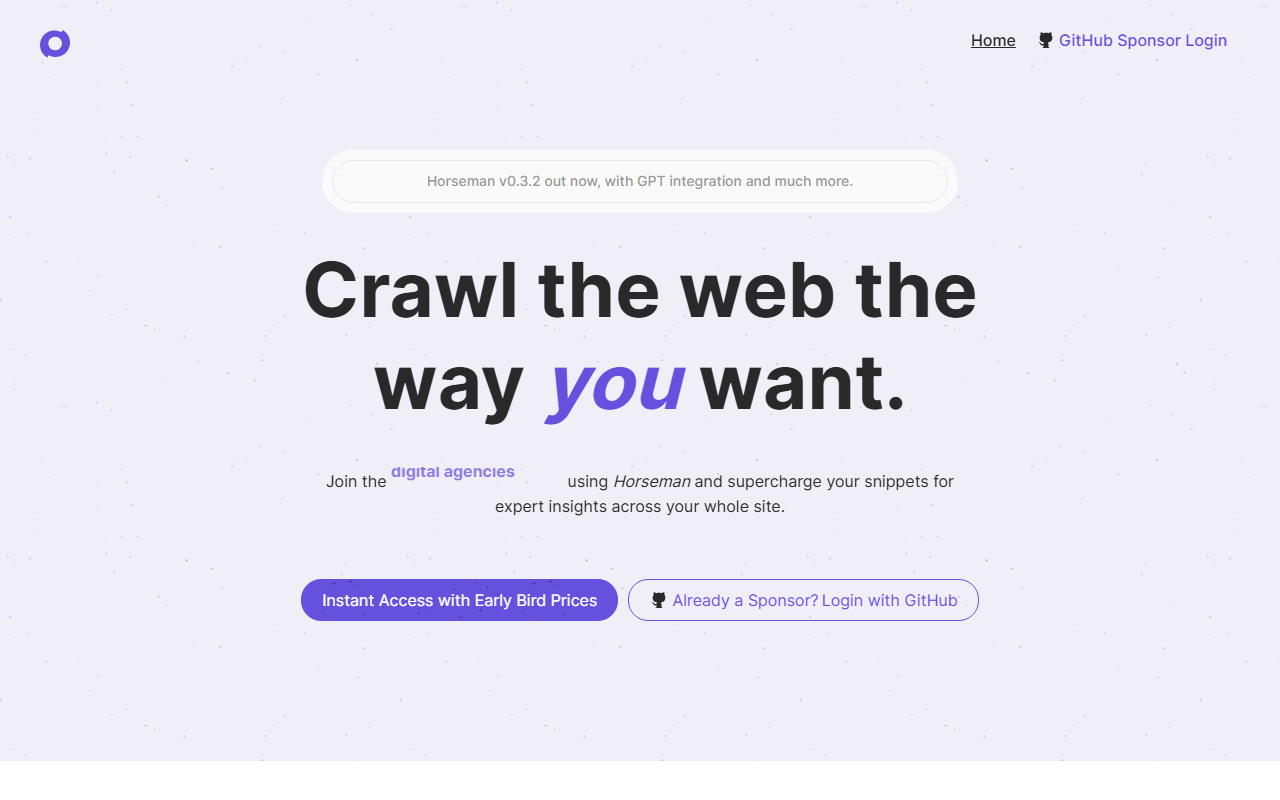
Upon visiting the Horseman website, the first thing you notice is the promise of an endlessly configurable crawling companion. The landing page is clean and developer-focused, with immediate calls to action for GitHub Sponsors login. I tested the tool briefly via the available screenshots and feature list, which show a modern desktop application. The onboarding process is straightforward: you download the installer for Windows, macOS (Intel and Apple Silicon), or Linux, and activate via a GitHub Sponsorship. There is no free tier, so you must commit to at least the $5/month plan to get started. The app launches into a dashboard where you can create crawls, manage snippets, and view results in a table. The snippet editor is a standout—it lets you write custom JavaScript or use an AI helper powered by GPT-3.5 to generate snippets from natural language descriptions.
Core Functionality and Use Cases
Horseman solves a very specific problem: automating the extraction of custom data from websites using reusable JavaScript snippets. Unlike traditional SEO crawlers that provide fixed reports, Horseman lets you define exactly what to pull—from meta descriptions and internal links to performance metrics like Largest Contentful Paint priority. The tool includes over 120 pre-built snippets for developers, performance analysts, accessibility experts, and technical SEOs. For example, you can run a snippet to detect overflowing elements or to summarize page content with GPT. The new Insights feature groups results across pages, allowing you to drill down into recurring issues. I particularly liked the AI snippet writer: you simply describe what you want (e.g., extract all alt text missing images) and Horseman writes the JavaScript for you. This lowers the barrier for non-developers, though some debugging may still be needed.
Under the hood, Horseman interacts with pages like Chrome DevTools—each snippet executes in the context of the page. The result set is displayed in a table, which you can export. There is no mention of an API or command-line interface, meaning the tool is strictly a GUI desktop application. However, the ability to chain GPT prompts with scraped content opens up advanced use cases like generating meta descriptions or sentiment analysis across an entire site.
Pricing and Alternatives
Horseman uses GitHub Sponsors as its payment gateway, with two tiers: $5 per month for 1 device (Sponsor tier) and $10 per month for 3 devices (Sponsor++ tier). A Sponsor+++ tier with custom device limit is also available via contact. There is no free trial or one-time purchase option. Compared to competitors like Screaming Frog SEO Spider (free for up to 500 URLs, paid license) or Sitebulb (priced per project), Horseman is more niche and expensive for large teams. However, it excels in customization—Screaming Frog is rigid in what it can extract, while Horseman allows you to write any JavaScript. Another alternative is using Puppeteer or Playwright scripts directly, but Horseman provides a user-friendly GUI and pre-built snippets to speed up workflows.
Verdict and Recommendations
Horseman’s greatest strength is its infinite flexibility. If you need to extract data that no off-the-shelf crawler can handle, and you have some JavaScript knowledge (or are willing to lean on the AI helper), Horseman is a powerful addition to your toolbox. The GPT integration is genuinely useful for non-coders, though it requires a solid internet connection and may incur extra costs if you exceed usage limits (not clearly stated). On the flip side, the lack of a free tier and reliance on GitHub Sponsors for payment could be a barrier for casual users. The device limits also feel restrictive for agencies that need to run crawls on multiple machines. Overall, Horseman is best suited for frontend developers, performance engineers, and technical SEO specialists who value deep configurability over out-of-the-box reports. If you need a simple, quick SEO audit, look elsewhere. But for those who love tinkering and need total control, Horseman delivers. Visit Horseman at https://gethorseman.app/ to explore it yourself.






Commentaires